Most TypeScript releases give us a collection of type-system improvements, compiler options and quality-of-life changes.
TypeScript 7 is different.
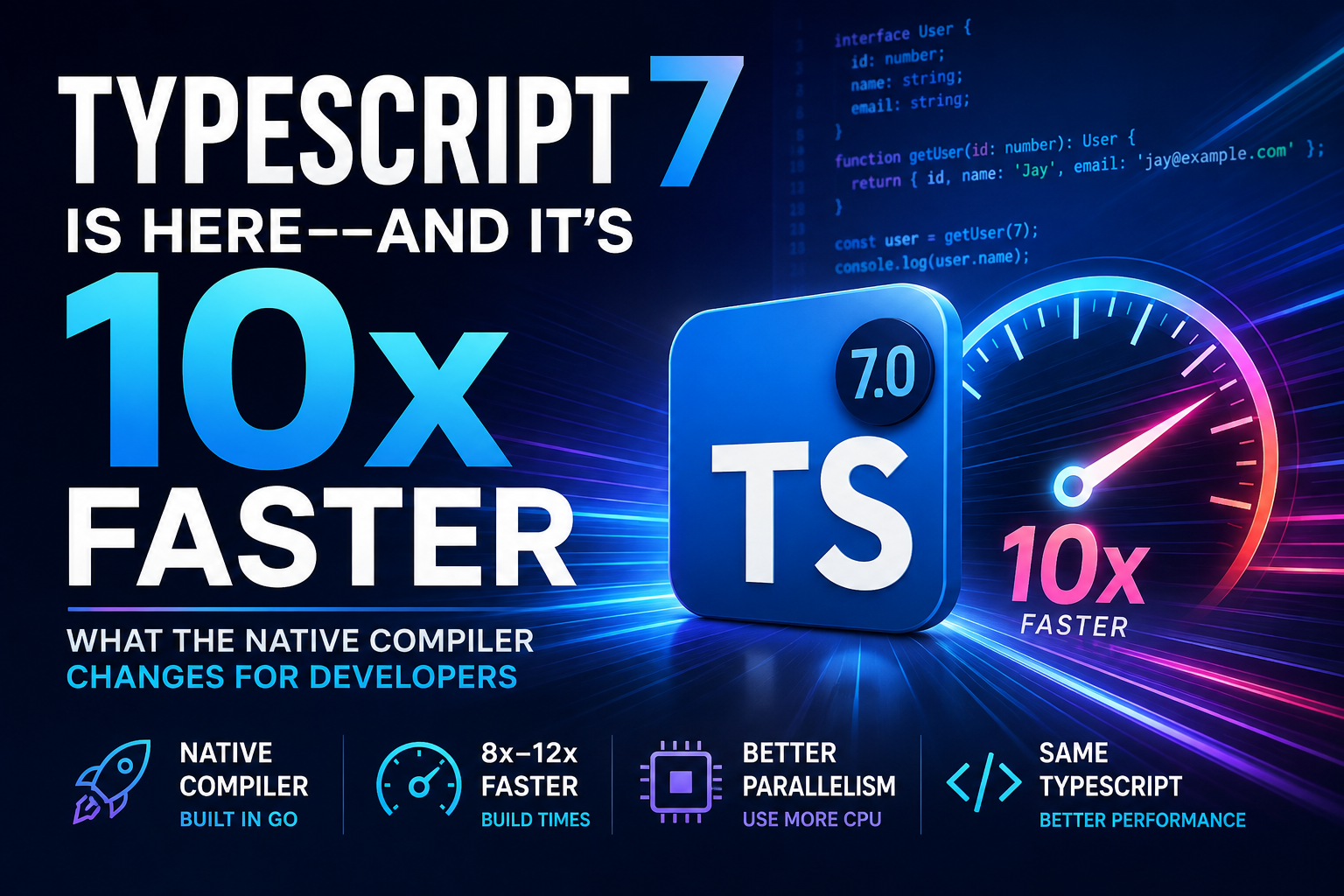
Microsoft has rebuilt the TypeScript compiler and language service as a native implementation written in Go. The goal isn’t to give TypeScript a few percentage points of additional performance. It is to change how TypeScript scales across large projects, monorepos, editors and CI pipelines.
Microsoft describes TypeScript 7 as roughly 10x faster, with its published full-build benchmarks commonly landing between about 8x and 12x faster than TypeScript 6.
That immediately got my attention because compilation time is one of those problems developers tolerate for years without realizing how much time it quietly consumes.
But there is an important question behind the headline:
Does TypeScript 7 actually change how we build applications, or is it simply the same TypeScript running faster?
The answer is somewhere in between.
The language will still feel familiar, but the compiler underneath it has changed dramatically. There are also new defaults, removed legacy options, new parallel-build controls, editor changes and some important compatibility limitations developers need to understand before upgrading.
Let’s look at what TypeScript 7 actually changes.
TypeScript 7 Is Not Just Another Compiler Update
Until TypeScript 6, the TypeScript compiler itself was implemented primarily in TypeScript and JavaScript.
That has an obvious elegance to it: TypeScript compiling TypeScript.
But when projects grow into millions of lines, language tooling has to do an enormous amount of work:
- parse thousands of files
- resolve modules
- construct type information
- perform type checking
- generate declarations
- emit JavaScript
- respond to editor requests
- track files in watch mode
- build project references
Microsoft’s answer was a native port of the compiler and language service written in Go.
The team tried to preserve the structure and logic of the existing TypeScript implementation so that developers still get familiar TypeScript behaviour while benefiting from native execution, better memory characteristics and shared-memory parallelism.
You can read Microsoft’s official TypeScript 7 announcement for the implementation details and benchmarks.
First, One Important Misunderstanding: Your TypeScript App Does Not Become Native Code
This distinction matters.
TypeScript 7 being a “native compiler” does not mean this:
TypeScript application
        ↓
Native machine executable
Your TypeScript application still becomes JavaScript.
TypeScript application
        ↓
TypeScript 7 compiler written in Go
        ↓
JavaScript
        ↓
Node.js / Browser / Runtime
It is the compiler itself that is native.
So switching from TypeScript 6 to TypeScript 7 will not magically make your Node.js API respond ten times faster.
The performance improvement is primarily in the development toolchain:
- type checking
- compilation
- editor startup
- diagnostics
- navigation
- watch mode
- CI type-checking jobs
That distinction is important because “10x faster TypeScript” sounds very different from “your production application is 10x faster.”
How Much Faster Is TypeScript 7?
Microsoft published benchmark results against several substantial open-source codebases.
| Project | TypeScript 6 | TypeScript 7 | Speedup |
|---|---|---|---|
| VS Code | 125.7s | 10.6s | 11.9x |
| Sentry | 139.8s | 15.7s | 8.9x |
| Bluesky | 24.3s | 2.8s | 8.7x |
| Playwright | 12.8s | 1.47s | 8.7x |
| tldraw | 11.2s | 1.46s | 7.7x |
Those numbers come from Microsoft’s TypeScript 7 release benchmarks. They are not a promise that every repository will become exactly ten times faster.
Your results will depend on things such as:
- number of files
- complexity of your types
- project-reference structure
- CPU cores
- available memory
- incremental compilation
- CI hardware
Still, those aren’t tiny benchmark improvements. Going from two minutes of type checking to around ten or fifteen seconds fundamentally changes the feedback loop.
Memory Usage Is Better Too
Performance isn’t only about elapsed time.
Microsoft’s published benchmarks also showed lower aggregate memory usage across the tested projects.
| Project | TypeScript 6 | TypeScript 7 | Difference |
|---|---|---|---|
| VS Code | 5.2 GB | 4.2 GB | -18% |
| Sentry | 4.9 GB | 4.6 GB | -6% |
| Bluesky | 1.8 GB | 1.3 GB | -26% |
| Playwright | 1.0 GB | 0.9 GB | -11% |
| tldraw | 0.6 GB | 0.5 GB | -15% |
That can matter just as much as raw speed when TypeScript runs inside containers or limited CI runners.
The Editor Experience Might Be the Bigger Upgrade
Build benchmarks are easy to measure, but developers spend far more time inside an editor than waiting for a production build.
TypeScript powers things we use constantly:
- autocomplete
- hover information
- diagnostics
- rename
- find references
- go to definition
- auto imports
- inlay hints
Microsoft reports that in its VS Code test, opening a file and seeing its first error dropped from roughly 17.5 seconds with TypeScript 6 to under 1.3 seconds with TypeScript 7.
That is the kind of performance improvement you can actually feel during normal development.
TypeScript 7’s language service is also based on the Language Server Protocol (LSP), which makes the new architecture easier for modern editors to integrate.
Installing TypeScript 7 Is Surprisingly Normal
Despite the compiler being completely reimplemented, installation looks almost exactly the same as before.
npm install -D typescriptThen check the installed version:
npx tsc --versionAnd type-check normally:
npx tsc --noEmitThis is a smart migration decision.
Developers don’t need to learn a completely different CLI just because the implementation underneath it changed.
TypeScript 7 Finally Uses More of Your CPU
One of the biggest architectural advantages of the native implementation is parallelism.
TypeScript 7 can perform several operations concurrently, including parsing, type checking and emitting.
By default, TypeScript 7 uses multiple type-checking workers. It also introduces experimental controls that let developers tune the amount of parallelism.
npx tsc --checkers 8For project-reference builds, there is also:
npx tsc --build --builders 4And if you intentionally want to remove compiler parallelism:
npx tsc --singleThreadedI wouldn’t immediately start increasing these values everywhere.
More workers can mean faster checks, but they can also mean additional memory usage. A large workstation and a small two-core CI runner should not necessarily use the same configuration.
Monorepos Can Benefit Even More
The new --builders option is particularly interesting for repositories using TypeScript project references.
Imagine a repository structured like this:
apps/
├── api
├── admin
└── web

packages/
├── auth
├── database
├── types
└── utilities
If independent projects can be built concurrently, TypeScript can make better use of the machine instead of processing every project serially.
The dependency graph still matters, so parallelism isn’t unlimited. But this is exactly the kind of workload where the new compiler architecture becomes more valuable as the codebase grows.
Watch Mode Has Been Rebuilt Too
TypeScript 7 doesn’t simply port the old watch implementation.
Microsoft rebuilt watch mode around a new file-watching foundation derived from the technology behind Parcel’s watcher.
For developers working with large repositories, this matters because file watching can become surprisingly expensive when a project has thousands of source files and a huge node_modules tree.
npx tsc --watchThe command hasn’t changed.
The implementation underneath it has.
TypeScript 7 Tries to Stay Compatible with TypeScript 6
A compiler rewrite this large would be much harder to adopt if every project suddenly produced different types and errors.
Microsoft therefore designed TypeScript 7 to stay closely aligned with TypeScript 6’s checking and command-line behaviour.
As a practical rule, a project that compiles cleanly under TypeScript 6 with the transition issues resolved should generally be much easier to move to TypeScript 7.
This is why I would treat TypeScript 6 as the migration bridge instead of jumping directly from an old TypeScript 4 or 5 configuration into 7 and then debugging dozens of unrelated changes at once.
The Defaults Have Changed
Not everything is backward-compatible configuration-wise.
Several modern defaults introduced during the TypeScript 6 transition carry into TypeScript 7.
strictdefaults totruemoduledefaults toesnextnoUncheckedSideEffectImportsdefaults totruetypesdefaults to an empty arrayrootDirbehaviour is more explicit- stable type ordering is enabled
The types change is one I would watch closely in Node.js applications.
If your project relies on Node globals, explicitly declare the type package:
{
  "compilerOptions": {
    "types": ["node"]
  }
}
Test environments might need something like:
{
  "compilerOptions": {
    "types": ["node", "jest"]
  }
}
Some Old TypeScript Options Are Gone
TypeScript 7 also uses the major release as an opportunity to leave behind configurations that no longer match how most modern JavaScript applications are built.
Examples include old or deprecated behaviours around:
target: "es5"moduleResolution: "node"/"node10"moduleResolution: "classic"module: "amd"module: "umd"module: "systemjs"baseUrldownlevelIteration- disabling
esModuleInterop - disabling strict-mode assumptions
That makes TypeScript 7 a good moment to review a tsconfig.json that has been copied from project to project for the last five years.
A Modern Node.js TypeScript 7 Configuration
For a straightforward modern Node.js backend, I would start with something closer to this:
{
  "compilerOptions": {
    "target": "ES2025",
    "module": "NodeNext",
    "moduleResolution": "NodeNext",

    "rootDir": "./src",
    "outDir": "./dist",

    "strict": true,
    "noUncheckedIndexedAccess": true,
    "exactOptionalPropertyTypes": true,

    "types": ["node"],

    "sourceMap": true,
    "declaration": true,

    "verbatimModuleSyntax": true,
    "skipLibCheck": true
  },
  "include": ["src/**/*.ts"]
}
This isn’t a universal configuration. A frontend application built through Vite, for example, may reasonably use moduleResolution: "bundler" instead.
The important point is that your configuration should represent the environment that actually executes or bundles the code.
If you’re building Node.js applications, my detailed production Node.js with TypeScript guide covers that setup in more depth.
One Major Limitation: TypeScript 7.0 Does Not Ship a Stable Programmatic API
This is probably the most important caveat in the entire release.
You can install TypeScript 7 and use tsc, but TypeScript 7.0 does not yet expose the same sort of stable programmatic compiler API that many tools historically imported from the typescript package.
That matters for tools that embed TypeScript rather than simply executing the compiler.
Microsoft provides a TypeScript 6 compatibility package so projects can keep TypeScript 6 available for tooling while using TypeScript 7 where possible.
npm install -D @typescript/typescript6This gives you a tsc6 executable for situations where you still need the older implementation.
Should Vue, Astro, Svelte and Angular Projects Upgrade Immediately?
This is where I would be more careful.
Framework tooling for embedded languages often interacts deeply with TypeScript’s language-service or compiler APIs.
Microsoft currently notes limitations for ecosystems including:
- Vue
- Svelte
- Astro
- MDX
- specialized Angular template type checking
That does not mean “TypeScript 7 does not work with Angular” or “you cannot write Vue with TypeScript anymore.”
It means tooling that embeds or extends TypeScript may still depend on the TypeScript 6 programmatic API.
For these projects, check your framework’s current compatibility guidance before replacing TypeScript 6 across the entire toolchain.
How I Would Migrate a Real Project to TypeScript 7
I wouldn’t treat a compiler migration as:
npm install typescript@latest
git push
deploy
For a production codebase, I would migrate in stages.
Step 1: Get Clean on TypeScript 6
Address TypeScript 6 deprecation warnings instead of hiding them.
TypeScript 7 turns several previously deprecated behaviours into hard errors.
Step 2: Commit Your Current State
Have a clean branch before changing the compiler.
Step 3: Upgrade TypeScript
npm install -D typescript@latestStep 4: Run Type Checking
npx tsc --noEmitStep 5: Run the Full Test Suite
npm testStep 6: Build the Production Artifact
npm run buildStep 7: Check Dependent Tooling
Pay particular attention to:
- ESLint integrations
- framework compiler plugins
- custom TypeScript transformers
- code generators
- documentation generators
- editor extensions
- test tooling
Step 8: Compare CI Performance
This is where the upgrade becomes interesting.
Record your existing type-check duration before upgrading, then compare the exact same repository on the same CI machine after upgrading.
That gives you a useful benchmark instead of assuming Microsoft’s results will exactly match yours.
A Simple Before-and-After Benchmark
For a meaningful comparison, use the same repository, machine and compiler options.
With TypeScript 6 installed:
time npx tsc --noEmitRecord the result.
Then upgrade to TypeScript 7 and run exactly the same command:
time npx tsc --noEmitDo several runs rather than trusting one result, especially if filesystem caching or CI startup behaviour can influence timing.
For a large monorepo, I would also experiment separately with the new parallelism controls.
npx tsc --noEmit --checkers 4

npx tsc --noEmit --checkers 8
Don’t automatically assume eight is better. Measure it.
What TypeScript 7 Means for Node.js Developers
For backend developers, I think the biggest benefit isn’t a new type-system feature.
It’s reducing the cost of using the type system we already have.
Consider a large backend monorepo containing:
services/
├── users
├── payments
├── notifications
└── reports

packages/
├── database
├── validation
├── contracts
├── logging
└── shared-types
As the repository grows, developers often start making compromises because type checking becomes expensive.
Maybe CI only runs a full check once.
Maybe developers stop running tsc --noEmit locally.
Maybe editor diagnostics take long enough that people stop trusting them.
Making those operations dramatically faster can improve the development process without changing one line of application architecture.
What TypeScript 7 Does NOT Fix
A faster compiler shouldn’t distract us from what TypeScript can and cannot do.
TypeScript still cannot validate untrusted runtime data just because you’ve declared an interface.
interface User {
  id: number;
  email: string;
}

const response = await fetch('/api/user');
const user = await response.json() as User;
The cast does not prove that the API actually returned a valid User.
You still need runtime validation for boundaries such as:
- HTTP requests
- third-party APIs
- environment variables
- queue messages
- webhooks
- database data crossing trust boundaries
TypeScript 7 makes the compiler faster. It does not turn compile-time types into runtime guarantees.
Four TypeScript 7 Myths I Would Avoid
Myth 1: TypeScript Now Compiles Applications to Native Binaries
No. The compiler implementation is native. Your normal TypeScript code still targets JavaScript.
Myth 2: My Node.js API Will Run 10x Faster
No. Compiler and editor performance are different from production runtime performance.
Myth 3: Every Project Will Compile Exactly 10x Faster
No. Microsoft’s results vary by project, and yours will too.
Myth 4: It’s a Drop-In Upgrade for Every Tool
Not yet. Tooling that depends on TypeScript’s programmatic APIs needs special attention.
Should You Upgrade to TypeScript 7?
For a standard Node.js or TypeScript application that primarily uses tsc for checking and compilation, I would absolutely put TypeScript 7 on the upgrade list.
The upside is unusually large for a compiler upgrade:
- much faster full builds
- faster editor feedback
- lower memory usage in Microsoft’s benchmarks
- parallel type checking
- parallel project builds
- improved watch mode
- modernized compiler defaults
I would be more conservative when the project relies heavily on custom compiler integrations, embedded-language tooling or framework plugins that aren’t yet TypeScript 7-compatible.
In that case, there is nothing wrong with running TypeScript 6 and 7 side-by-side temporarily.
My TypeScript 7 Upgrade Checklist
- Upgrade to TypeScript 6 first if the project is significantly older.
- Remove deprecated compiler options.
- Explicitly configure
typeswhere required. - Check
rootDir. - Review old module-resolution settings.
- Upgrade TypeScript 7 in a separate branch.
- Run
tsc --noEmit. - Run unit and integration tests.
- Build production output.
- Check ESLint and framework compatibility.
- Measure CI before and after.
- Test editor behaviour with the TypeScript 7 language service.
- Experiment with parallelism only after establishing a baseline.
Why This Release Matters More Than the Version Number
The most interesting part of TypeScript 7 isn’t really TypeScript 7.
It’s what happens when a tool millions of developers use every day becomes dramatically cheaper to run.
Large TypeScript codebases have historically paid a growing performance tax:
More code
   ↓
More types
   ↓
More projects
   ↓
Slower type checking
   ↓
Slower CI
   ↓
Slower developer feedback
TypeScript 7 attacks that problem at the compiler architecture level rather than trying to squeeze another small optimization out of the old implementation.
That is why I see this release as much more significant than a normal major-version update.
Final Thoughts
TypeScript 7 doesn’t change why I use TypeScript.
I still want types to make assumptions visible, catch mistakes before runtime and make large JavaScript applications easier to understand.
What TypeScript 7 changes is the cost of getting those benefits.
A compiler that can check large repositories several times faster means shorter CI pipelines, faster editor feedback and less friction between writing code and knowing whether that code is valid.
For me, that’s the real story behind TypeScript 7.
It isn’t simply:
“Microsoft rewrote TypeScript in Go.”
It’s:
“What happens when one of the most important tools in modern JavaScript development becomes dramatically faster?”
For large TypeScript projects, we’re about to find out.
Continue Learning
If you’re working with TypeScript in production, continue with my production Node.js + TypeScript setup guide, or browse the latest tutorials in the TypeScript section.