 by
by OpenClaw (Formerly Clawdbot): The AI Agent That Goes Beyond Chatbots
AI assistants are evolving fast. We’ve moved from simple text generators to tools that can actually take action.
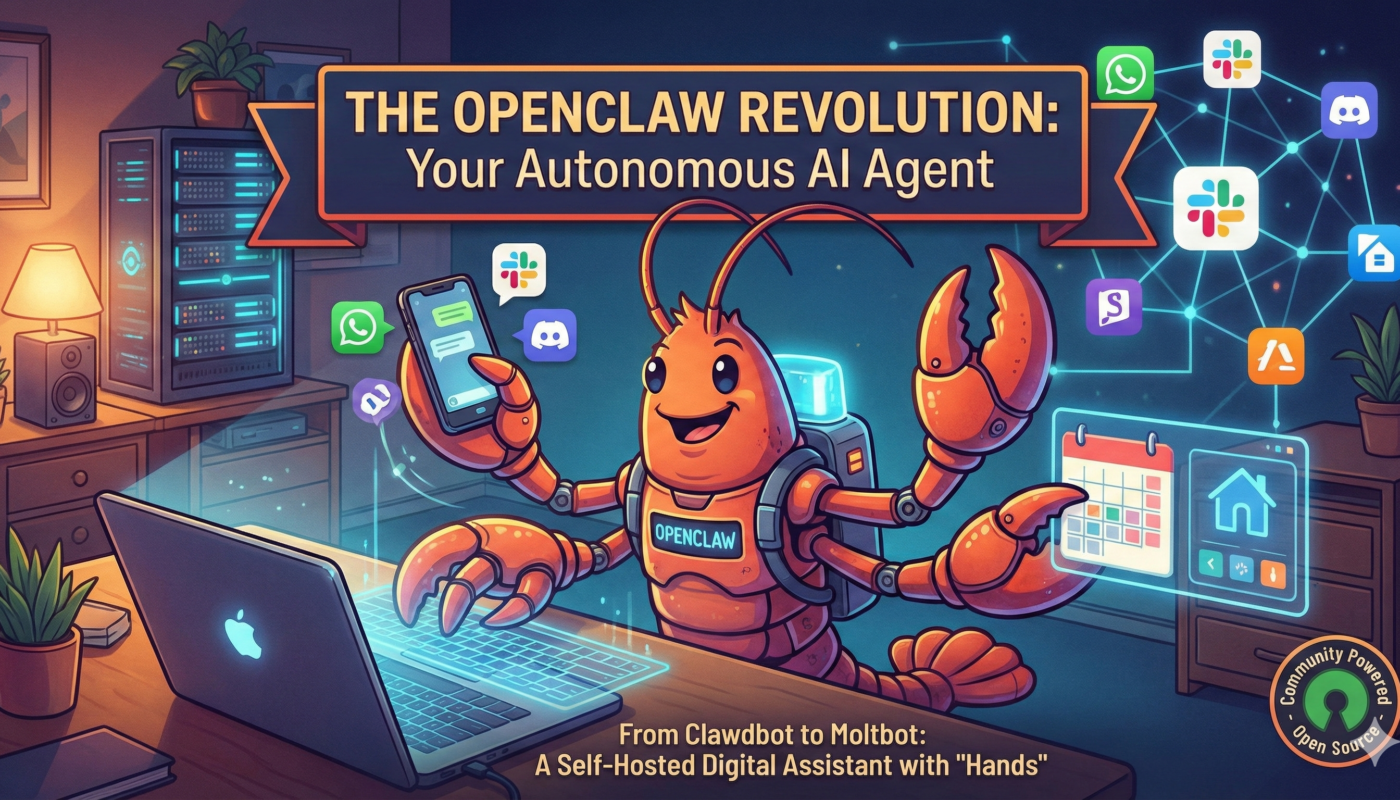
One of the most discussed tools in this space is OpenClaw (formerly known as Clawdbot).
But what exactly is OpenClaw?
Is it safe?
And should developers actually use it?
Let’s break it down in a practical, no-hype way.
What Is OpenClaw?
OpenClaw is an open-source AI agent that runs locally on your machine and can perform real tasks — not just generate text.
Unlike typical chat-based AI tools, OpenClaw can:
- Interact with your system files
- Connect to messaging apps
- Automate workflows
- Execute commands
- Run continuously in the background
Think of it as a self-hosted AI automation tool that acts on your behalf. That’s a big shift from “AI that talks” to “AI that acts.”
Why OpenClaw (Clawdbot) Is Getting So Much Attention?
There are three main reasons developers are talking about OpenClaw:
1️⃣ It Runs Locally
Most AI tools run in the cloud. OpenClaw runs on your machine.
That means:
- More control
- More flexibility
- But also more responsibility
For developers who prefer self-hosted tools, this is attractive.
2️⃣ It’s an AI Agent — Not Just a Chatbot
OpenClaw connects AI models (such as GPT or Claude) to real-world system-level actions.
For example, you could:
- Send a message → trigger a workflow
- Ask it to process files → it executes the task
- Automate repetitive operations → without writing complex scripts
This makes it a true AI workflow automation system.
3️⃣ It’s Fully Customizable
Because OpenClaw is open-source, developers can:
- Modify behavior
- Build custom “skills”
- Integrate APIs
- Extend automation logic
For advanced users, this is where the real power lies.
How OpenClaw Works (Simplified Architecture)
Here’s what happens behind the scenes:
- OpenClaw runs locally on your machine.
- It connects to an AI model (e.g., GPT or Claude).
- You give instructions in natural language.
- The AI interprets the request.
- OpenClaw executes system-level actions.
So essentially:
AI brain + local execution engine = autonomous assistant.
This architecture is powerful — but also introduces security considerations.
Real-World Use Cases of OpenClaw
Here’s how developers are experimenting with it:
✅ Automating Repetitive Tasks
Instead of writing cron jobs or small automation scripts, OpenClaw can manage workflows through natural language.
✅ File & Data Processing
You can trigger data extraction, formatting, or sorting operations automatically.
✅ Messaging-Based Control
Send a command via Telegram, Discord, or WhatsApp • the agent executes it on your system.
✅ Continuous Background Automation
OpenClaw can run 24/7, handling scheduled or triggered tasks.
For automation enthusiasts, this feels like having a programmable AI co-worker.
OpenClaw Security Risks: What You Must Know
Now let’s talk about the serious part. Because OpenClaw:
- Runs locally
- Has system access
- Can execute commands
- Integrates with third-party plugins
It introduces real security risks if misconfigured.
Some concerns reported in the community include:
- Exposed instances accessible from the internet
- Malicious third-party “skills”
- Credential leakage risks
- Unauthorized system access
If you’re using OpenClaw:
✔ Always restrict network exposure
✔ Sandbox execution environments
✔ Avoid unverified plugins
✔ Monitor logs and permissions
This is not a beginner-friendly “install and forget” tool. It’s powerful — and power needs guardrails.
Should Developers Use OpenClaw?
You should consider OpenClaw if:
- You’re comfortable with system-level tooling
- You understand security fundamentals
- You want deep automation control
- You prefer self-hosted AI agents
You should avoid it if:
- You’re not confident managing system permissions
- You expect plug-and-play simplicity
- You don’t want to handle security hardening
My Honest Developer Take
OpenClaw represents a huge evolution in AI assistants:
👉 Local execution instead of cloud
👉 Actions taken on your behalf
👉 Flexible integration with real tools
As a developer, think of it like this:
🔹 Not just AI that talks
🔹 But AI that truly operates
That’s powerful.
But with that power comes two truths:
- You need to know what access you’re granting
- You need to control execution and permissions
Without both, a tool that automates your life can also compromise your life.
FAQs About OpenClaw (Clawdbot)
OpenClaw is an open-source AI agent that runs locally and can automate tasks by executing system-level actions.
It can be safe if properly configured, sandboxed, and not exposed publicly. Misconfiguration can lead to security risks.
It’s different. ChatGPT generates responses. OpenClaw can take real actions on your machine.
Yes, it is an open-source project that developers can modify and extend.
Final Thoughts
OpenClaw (formerly Clawdbot) is not just another AI trend. It’s a sign of where AI tooling is going:
👉 Action-driven
👉 Self-hosted
👉 Autonomous
For developers who understand both power and responsibility, this is an exciting space to explore. Please comment down your are going to use it or not.